

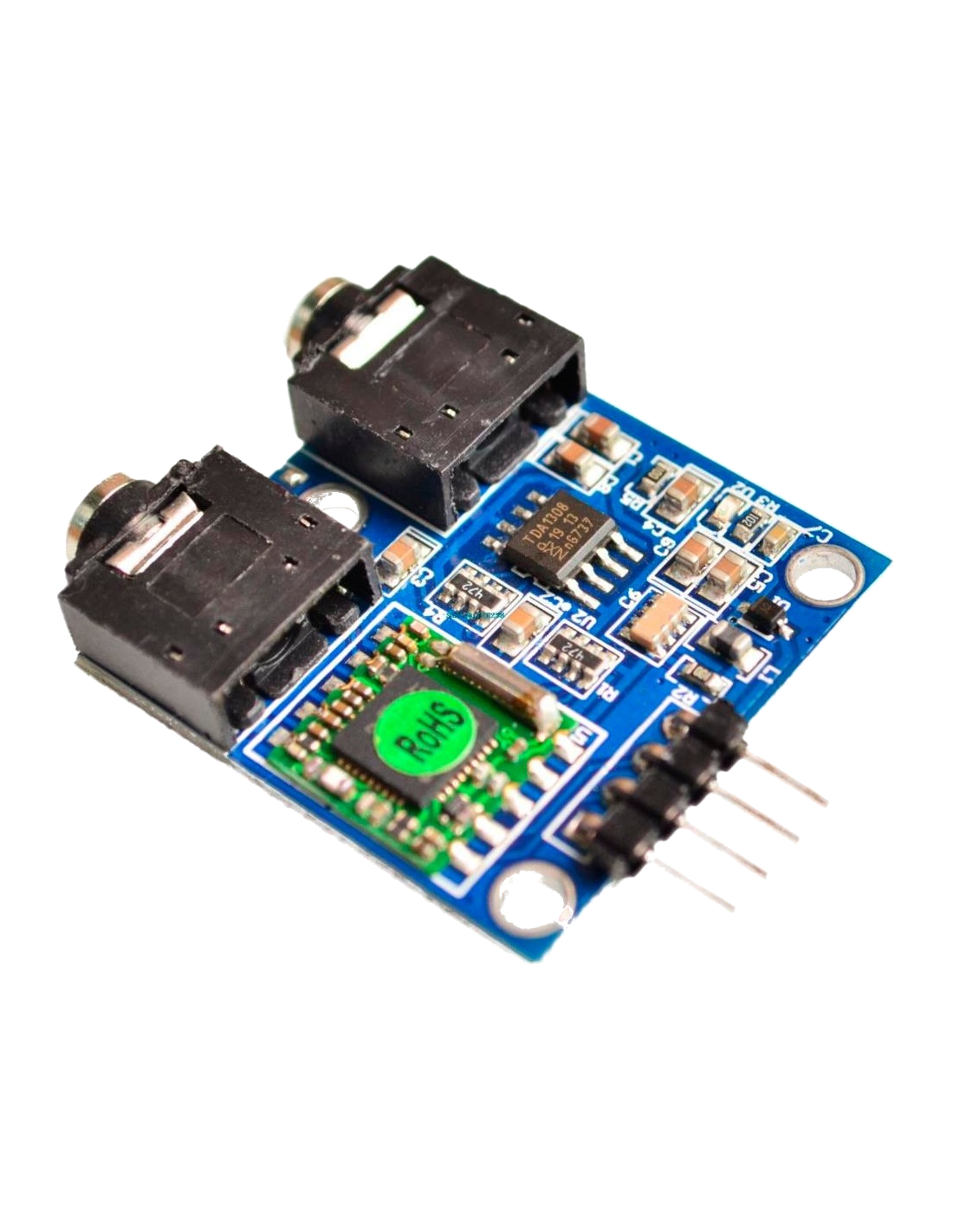
If you don't need a station scanning function and want your Arduino radio to always play the same station, the best solution is a "locked" frequency. This example shows how to set the TEA5767 module to a fixed frequency (e.g., 98.8 MHz).
Hardware Requirements
- Arduino board (Uno, Nano, or Mega)
- TEA5767 FM radio module
- Antenna (a simple wire will suffice)
Wiring (I2C Protocol)
The TEA5767 uses I2C communication. Connect it to the following pins:
| TEA5767 Pin | Arduino (Uno/Nano) | Description |
|---|---|---|
| VCC | 5V | Power Supply |
| GND | GND | Ground |
| SDA | A4 | I2C Data line |
| SCL | A5 | I2C Clock line |
Arduino Code for a Single Frequency
#include <Wire.h> // Library for I2C communication
#include <TEA5767.h> // Library for TEA5767 module

TEA5767 radio; // Create radio object
unsigned char status[5]; // Buffer for reading status

void setup() {
    Serial.begin(9600);
    Wire.begin(); // Initialize I2C

    radio.init(); // Initialize the module
    radio.set_frequency(98.8); // Set fixed frequency (e.g., 98.8 MHz)

    Serial.println("FM Radio ready at 98.8 MHz");
}

void loop() {
    // Check signal strength every second
    if (radio.read_status(status)) {
        int signal = radio.signal_level(status); // Signal strength
        int isStereo = radio.stereo(status); // Check stereo mode

        Serial.print("Signal Strength: "); [cite: 147]
        Serial.print(signal); [cite: 148]
        Serial.print(" | Stereo: "); [cite: 149]
        Serial.println(isStereo ? "Yes" : "No"); [cite: 150]
    }
    delay(1000);
}